
don’t worry — this is a very common issue when working with MySQL. Let’s break it down and walk through the solutions. – BPMS TP Client
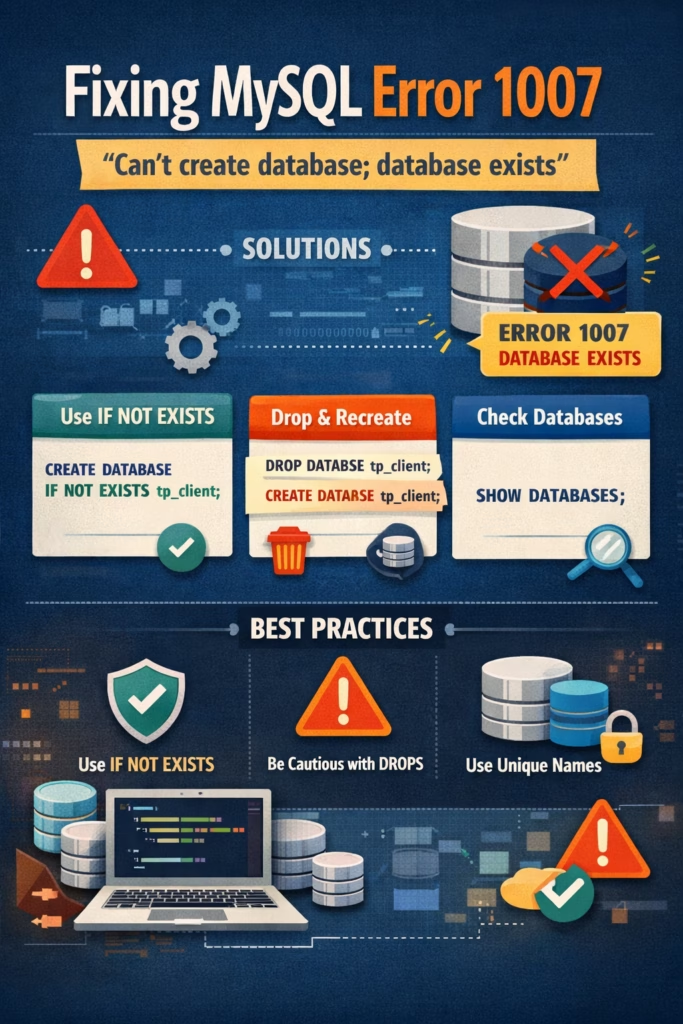
What Does This Error Mean?
This error occurs when you try to create a database that already exists in your MySQL server. MySQL is simply preventing duplication.
For example, if you run:
CREATE DATABASE tp_client;
and the database tp_client is already present, MySQL will throw Error 1007.
Solution 1: Use IF NOT EXISTS
The safest and most commonly recommended solution is to modify your query:
CREATE DATABASE IF NOT EXISTS tp_client;
This tells MySQL:
- Create the database only if it doesn’t already exist
- Avoid throwing an error if it does
Solution 2: Drop and Recreate the Database
If you want to start fresh and don’t need any data currently in tp_client, drop the existing database first.
DROP DATABASE tp_client;
CREATE DATABASE tp_client;
Warning: This will permanently delete all data inside tp_client.
Solution 3: Check Existing Databases
If the database is already set up exactly how you need it, just skip the creation step and start using it.
SHOW DATABASES;
This helps confirm whether tp_client already exists.
Best Practices
- Always use
IF NOT EXISTSin scripts to prevent interruptions - Avoid dropping databases unless absolutely necessary
- Use meaningful and unique database names in shared environments
Final Thoughts
MySQL Error 1007 is not a bug — it’s a safeguard. By using simple checks like IF NOT EXISTS, you can make your database scripts more robust and error-free.
If you’re working in production environments, handling such cases properly can save you from downtime and accidental data loss.
Need help automating database setup or fixing other MySQL errors? Feel free to ask!


Leave a Comment
You must be logged in to post a comment.